Your ideas, animated.
Describe a scene and Loovie turns it into a multi-shot story video, with characters that stay the same in every shot and a full editor on your phone.
5 free videos to start · No card required · 5.0 on the App Store
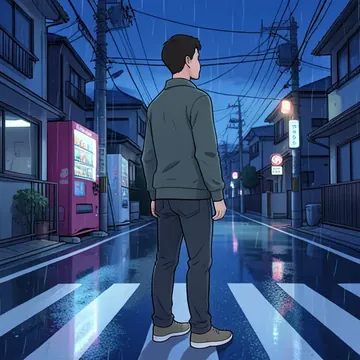
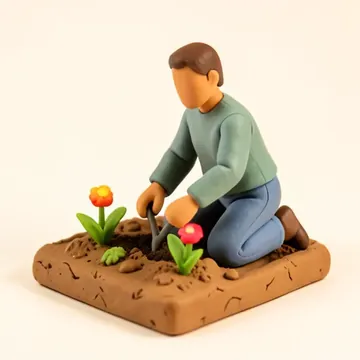
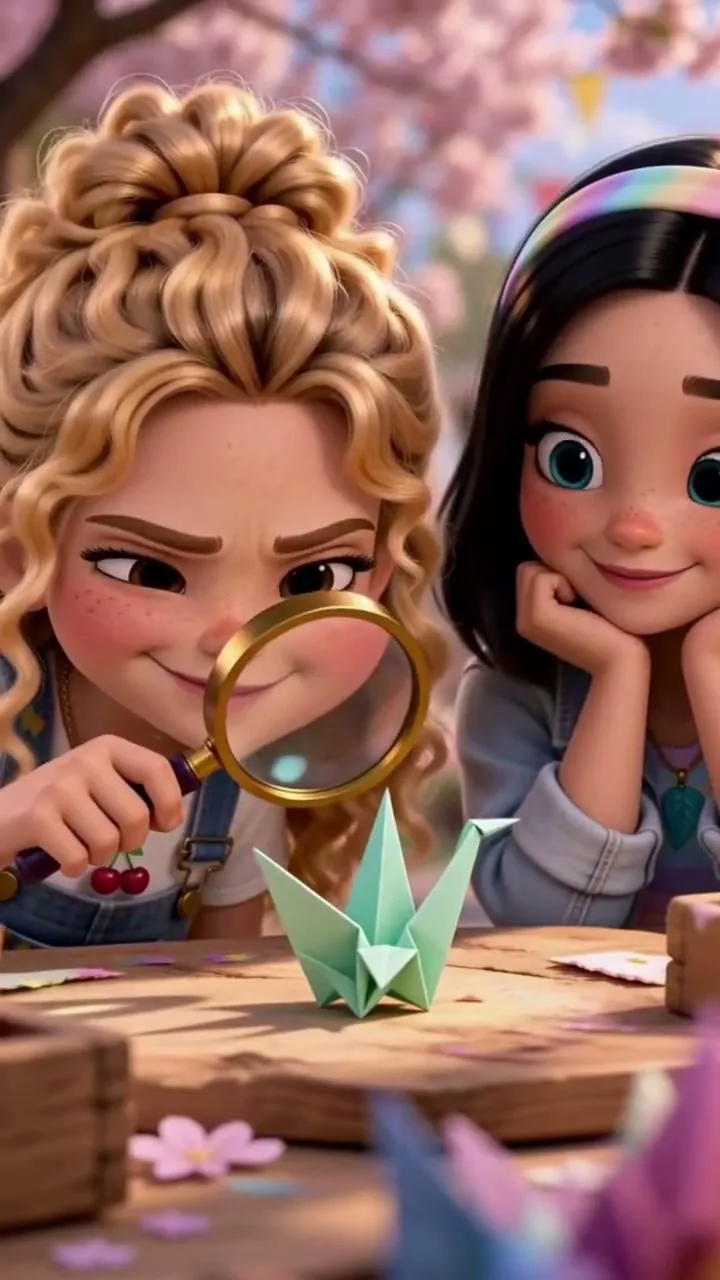


- Characters
- Storyboard
- Editor
From one sentence to a finished video.
Four steps, all in the app. These are real screens.
- Step 1: Chat to create
Just say it. We write the shots.
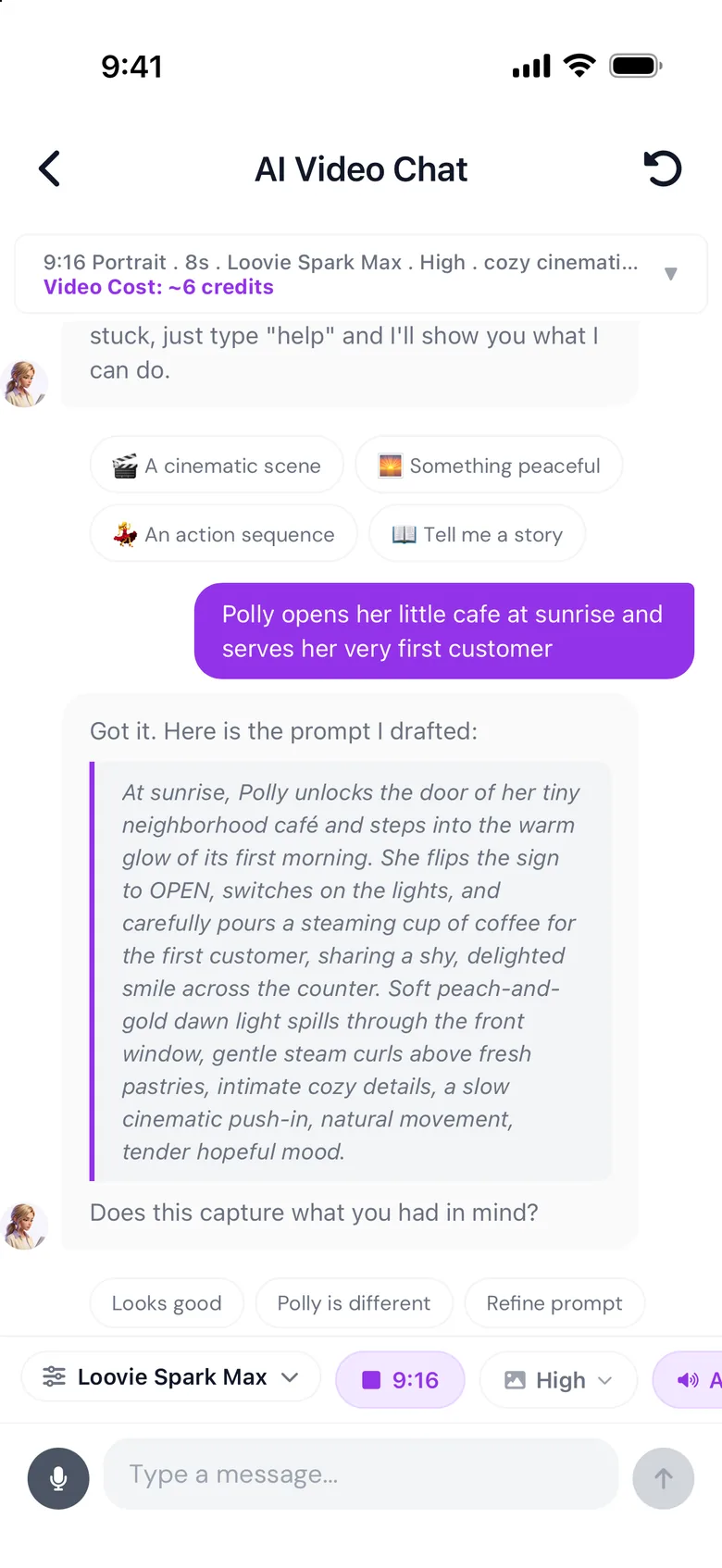
Tell Leah, your creative partner, what you want to make. She drafts a cinematic prompt you can tweak before anything renders, and picks the best AI engine for it.
Got it. Here's the prompt I drafted for Polly's first morning.
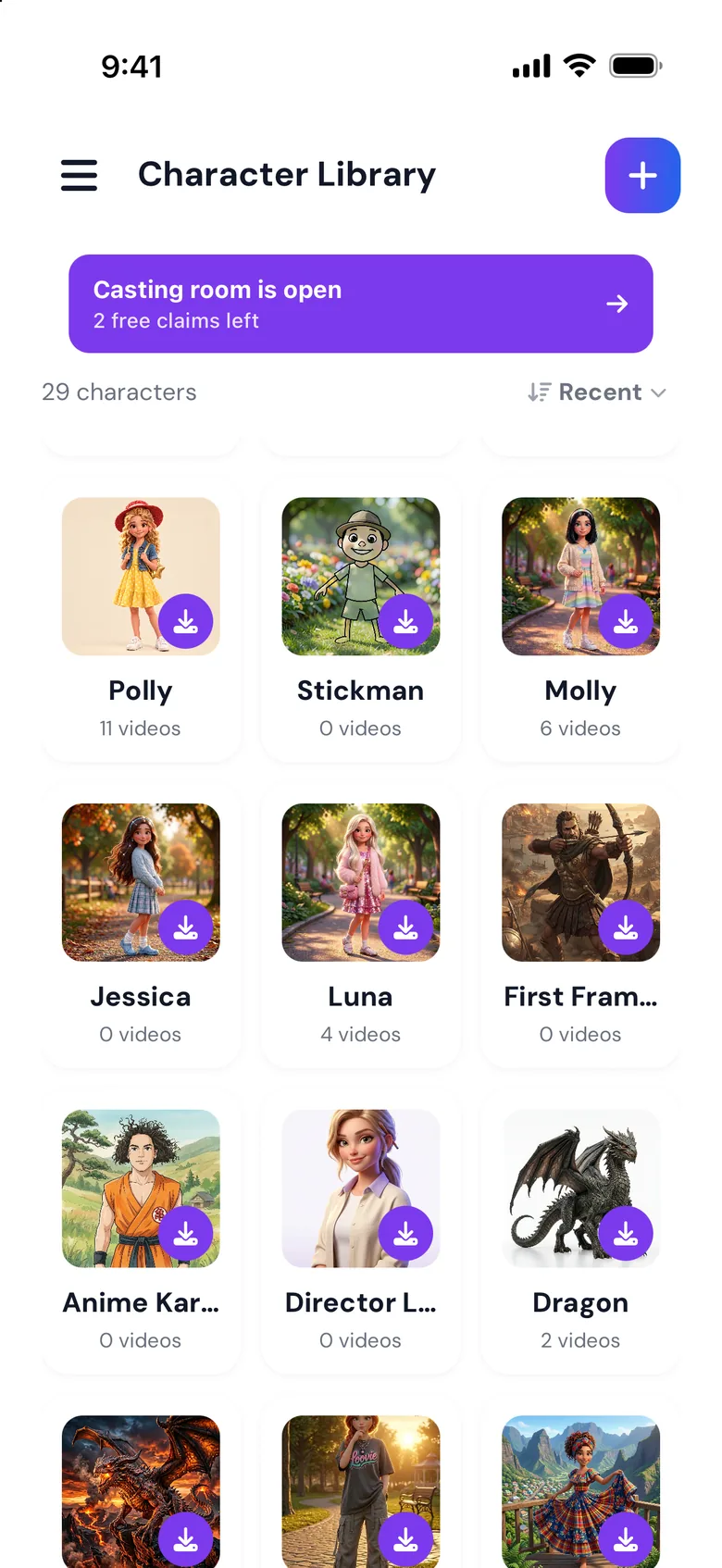
- Step 2: Character library
Same cast. Every video.
Save a character once, with their face, outfit and look, and reuse them in every shot and project. Backgrounds work the same way.
- Chibi
- 3D
- Anime
- Realistic
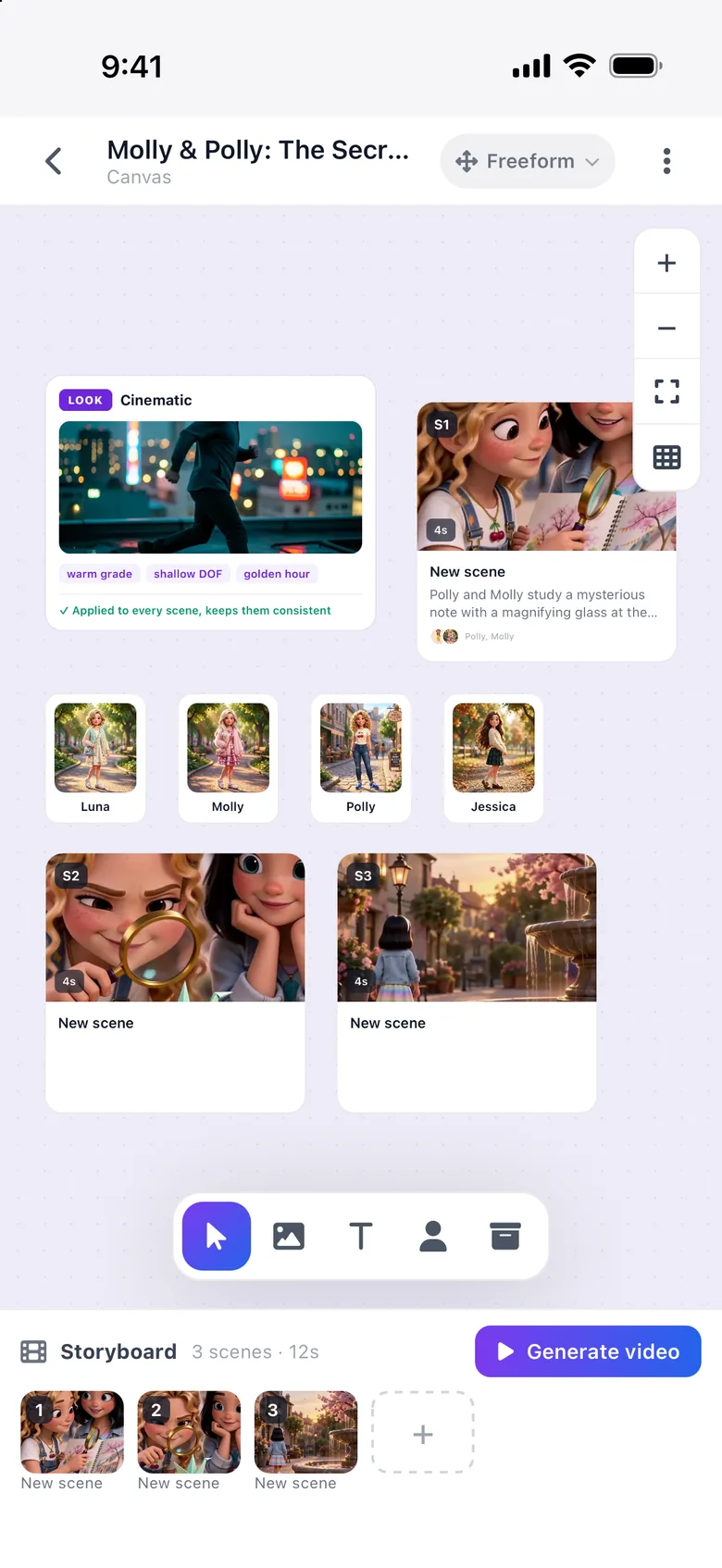
- Step 3: Storyboard
Plan it scene by scene.
Lay out scenes on a canvas, attach your cast and an opening frame, set one look for the whole story, then turn the board into a video.
- 3 scenes → 1 video
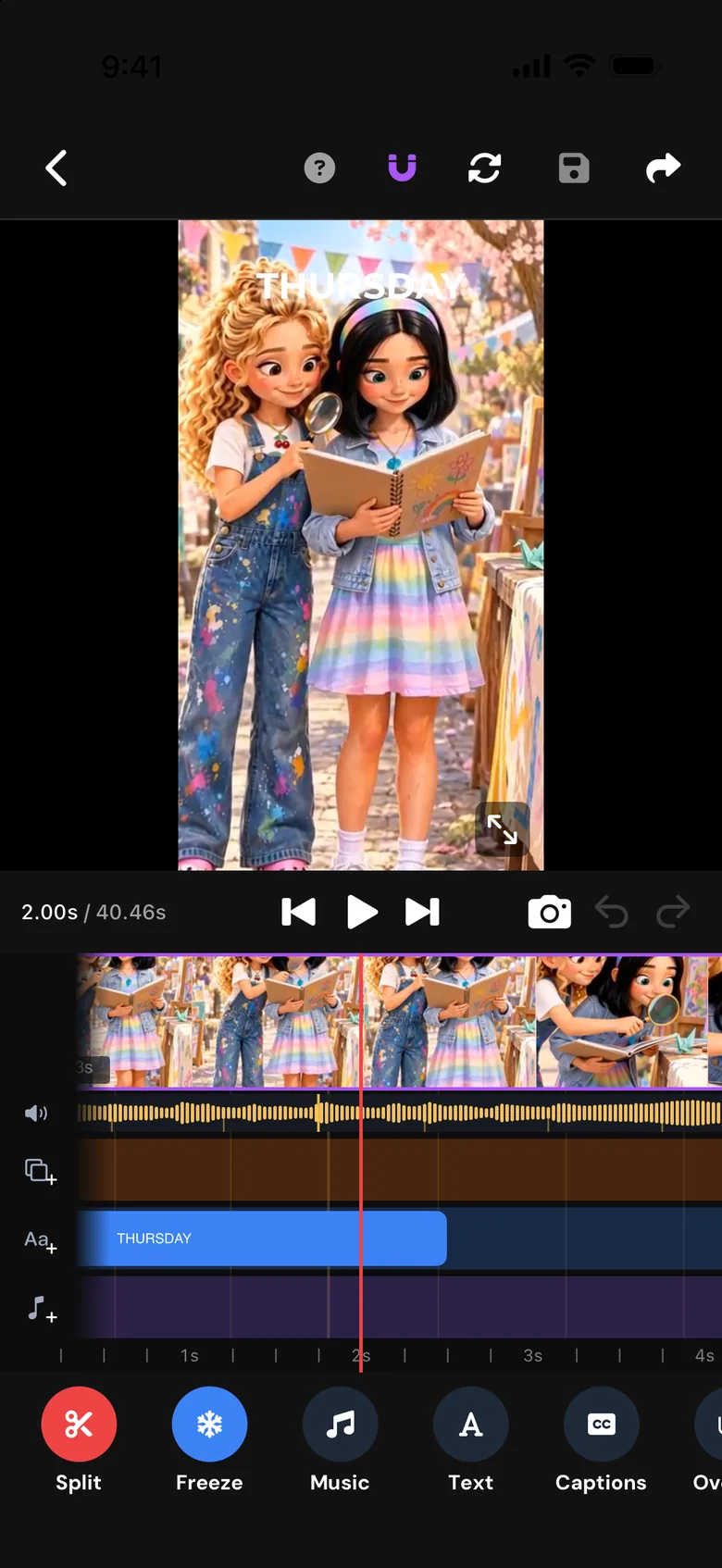
- Step 4: Video editor
Add music, captions & AI VFX.
A full timeline editor in your pocket: trim, split, add music and beats, animated captions, voiceover and AI effects, then export without a watermark.
- Music & beats
- Captions
- AI VFX

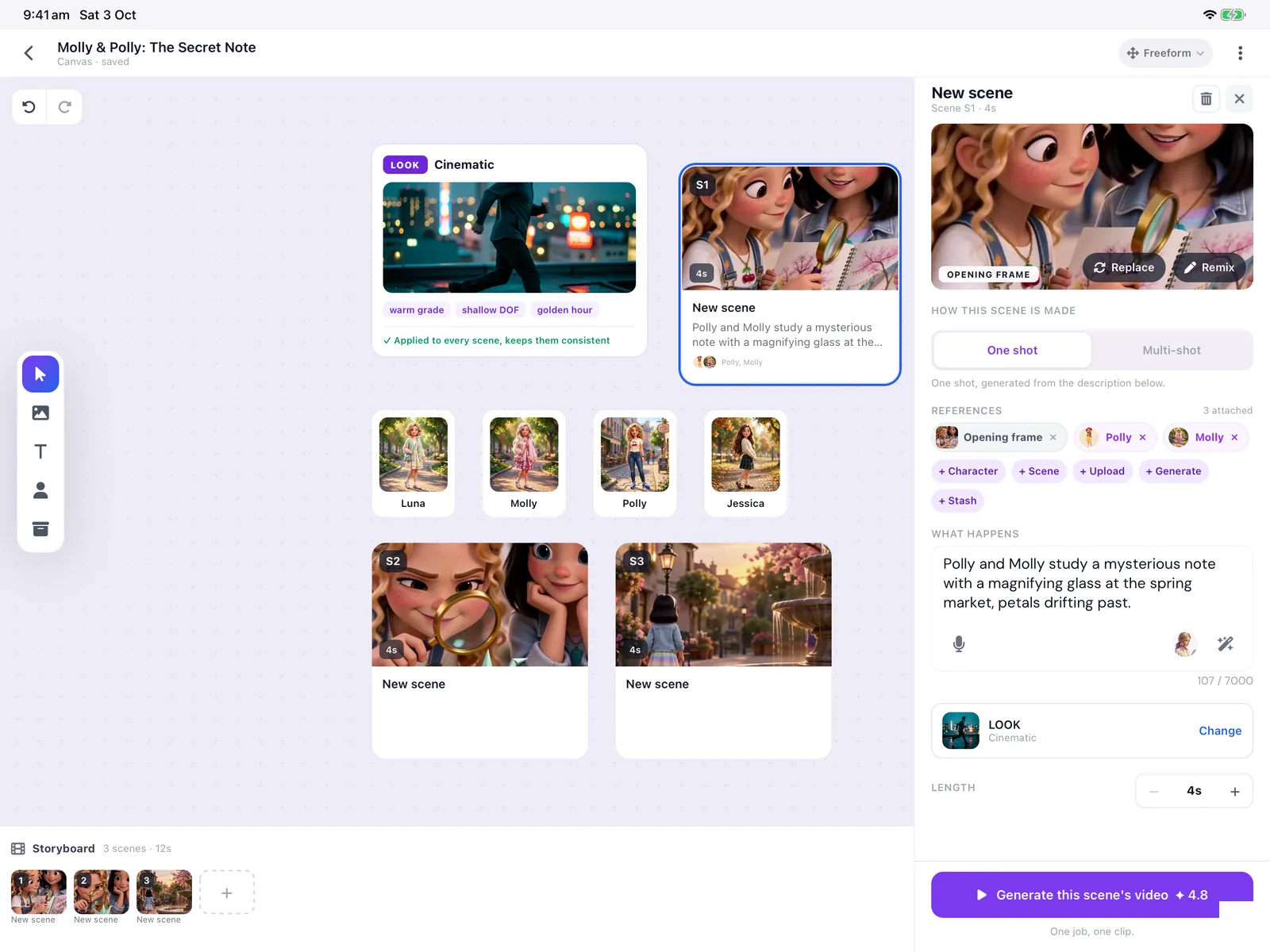
More room on the big screen.
The same app, laid out for iPad: a side menu, a wider canvas and a timeline with space to work.
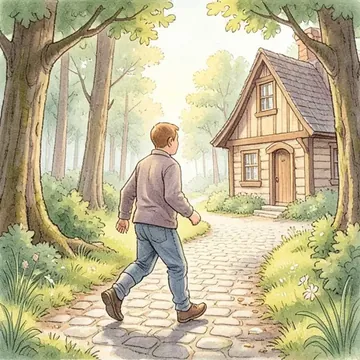
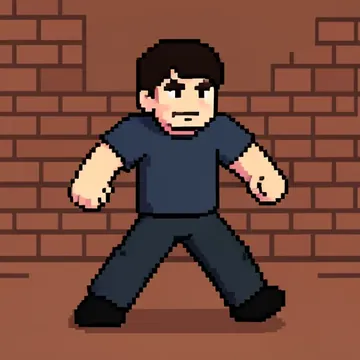
Anime, 3D, cinematic. One tap.
Pick one look per story and every scene follows it. Or upload your own reference.
-
Cinematic -
Anime -
3D Cartoon -
Photorealistic -
Claymation -
Storybook -
Watercolor -
Pixel Art



Everything else a story needs.
-
Multi-shot video
Write one prompt and the AI breaks it into up to 5 shots with their own prompts, timing, and transitions.
-
Motion reference
Record yourself, or any clip of a person moving, and your character performs the same movement.
-
AI VFX & character swap
Swap any saved character into your clips, frame by frame, or add AI effects to try different looks for the same scene.
-
Voiceover & SFX
Record your own voiceover, upload your own audio track, and drop in stock sound effects, right in the timeline.
-
Animated captions
Animate captions with In, Out and Loop presets like Fade, Slide and Bounce, plus typewriter, reveal and gradient text effects that export with your video.
-
Bring your own GPU
Run your own models and LoRAs on your own hardware. Free, no credits, no limits, set up right from Preferences. Learn about BYO
More is on the way. See the roadmap
Earn while your community creates.
Loovie's affiliate program pays commission on the subscriptions, credit packs and Day Passes your community buys. Built for storytelling educators, writing coaches, and creator communities.
Real stories. Real feedback.
5.0 rating on the App Store
“Wow, this app works like magic. It’s so clear, it’s amazing. I will recommend the Loovie app for all content creators to use. It’s amazing to use.”
“When I saw the app routes the appropriate models, I was skeptical… but I was impressed that it did really well!”
“She loved the video! I appreciate knowing that you were there to support if any issue.”
“With Loovie, everything changed. After just a couple of prompts, I was able to create music that fit the podcast perfectly.”
Start free. Upgrade when your story grows.
Every plan exports without a watermark. Weekly plans are also available in the app.
-
Free
Try Loovie and learn the platform
$0
- 5 free Spark Max Speed videos
- 768p video
- 3 characters, 3 backgrounds
- 1 minute projects
-
Starter
For casual creators
$9.99 /mo
- 60 credits/month
- 1080p video
- Unlimited characters & backgrounds
- 2 minute projects
-
Hobby
For serious hobbyists
$19.99 /mo
- 120 credits/month
- 1080p video
- Unlimited characters & backgrounds
- 3 minute projects
-
Most popular
Creator
For content creators and professionals
$39.99 /mo
- 400 credits/month
- 1080p video
- Unlimited characters & backgrounds
- 5 minute projects
-
Studio
For agencies and power users
$99.99 /mo
- 1,000 credits/month
- 1080p video
- Unlimited characters & backgrounds
- 5 minute projects
- Best value per credit
No subscription? Buy credit packs from $4.99 that never expire, or a $7.99 Day Pass for one creative session.
Questions, answered.
What is Loovie?
Loovie is an AI video creation app for iPhone, iPad and Android that turns a written story into a multi-shot video, with a reusable character and background library, AI video generation and a full timeline editor in one place.
Is Loovie really just for filmmakers?
No, it's for anyone with a story. Our community spans filmmakers and content creators, kids' book writers, illustrated-novel authors, and educators turning imagination into motion.
Do I need to know AI to use it?
Not at all. Loovie picks the best AI engine for each shot automatically: text-to-video, image-to-video, transitions, voiceover. You write the story, we route the model.
Can I try Loovie before subscribing?
Yes! Every new account gets 5 free videos made with Loovie Spark at Max Speed, and your first one is made during onboarding. You also get full access to the Timeline Editor, can save up to 3 characters and 3 backgrounds, and create 1-minute projects. No credit card required.
How much does Loovie cost?
Loovie is free to start. Paid plans start at $9.99/month (Starter $9.99, Hobby $19.99, Creator $39.99, Studio $99.99 per month, in USD), with weekly billing also available in the app. Every plan exports without a watermark.
Can I keep the same character across different clips?
Yes. Save a character once to your character library and reuse it in every shot and project, so the same face, outfit and style carry across a whole story. Backgrounds work the same way.
Is this only on iPhone?
No. Loovie is on iPhone, iPad and Android. The phone-first design is intentional: most of our users create and edit on the go.
How do credits work?
Each generation costs credits based on quality and length. Subscriptions include a monthly allowance; you can also buy credit packs (15/40/100/250) or a $7.99 Day Pass.
Can I export to other tools?
Yes: H.264/HEVC video, square/vertical/widescreen exports. Take it into your NLE, your social scheduler, your kid's bedtime.
Refunds?
Monthly and weekly plans cancel any time. Subscriptions and credit packs are handled through the App Store or Google Play.
Imagination to stories.
Your story was always the easy part. 5 free videos with Loovie Spark Max Speed. No card.